
Aging in place: how smart home technology helps you stay home
How lighting, voice control, shades, locks, and thermostats can make a home easier and more comfortable to live in for years to come, without making it feel clinical.
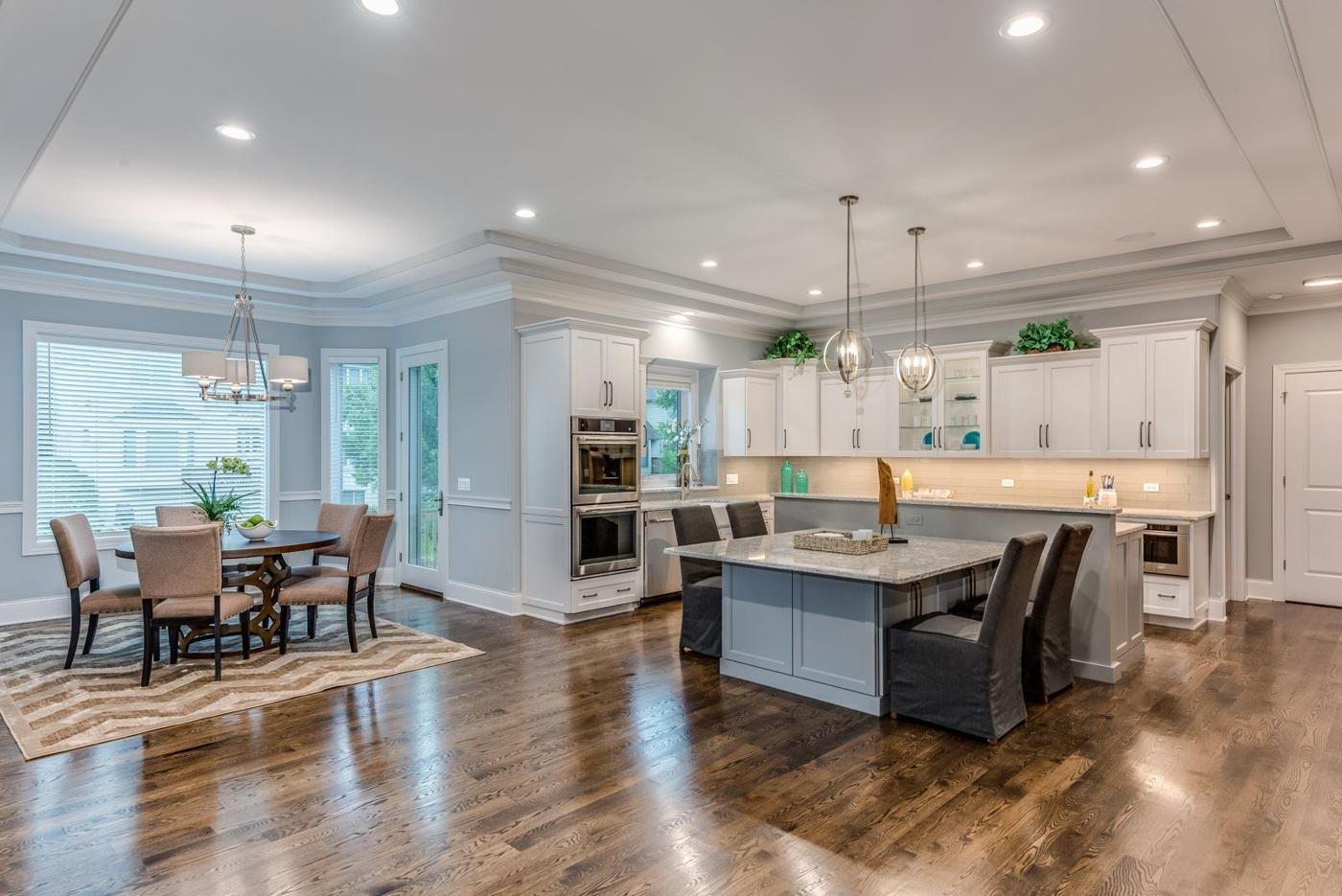
Most people want to stay in the home they love for as long as they can. That is what "aging in place" means: living where you are, independently and comfortably, as the years go by. The house that worked at forty can start to ask a lot of you at seventy. Stairs, dark hallways, heavy doors, hard-to-reach windows, and a thermostat on the far wall all add up.
Good news: much of that can be solved quietly, with technology that already belongs in a well-designed home. The goal is not a home that looks like a care facility. It is a home that simply gets out of your way.
Start with light you can count on
Lighting is the most useful place to begin. Poor light is a common frustration for older eyes, and walking through a dark house at night is something nobody enjoys at any age.
- Automatic night paths. Soft, low lighting can come on from the bedroom to the bathroom and kitchen in the middle of the night, so nobody has to find a switch in the dark.
- Lights that come on as you arrive. Entries, garages, stairs, and hallways can light up on their own, so your hands are free for groceries or a cane.
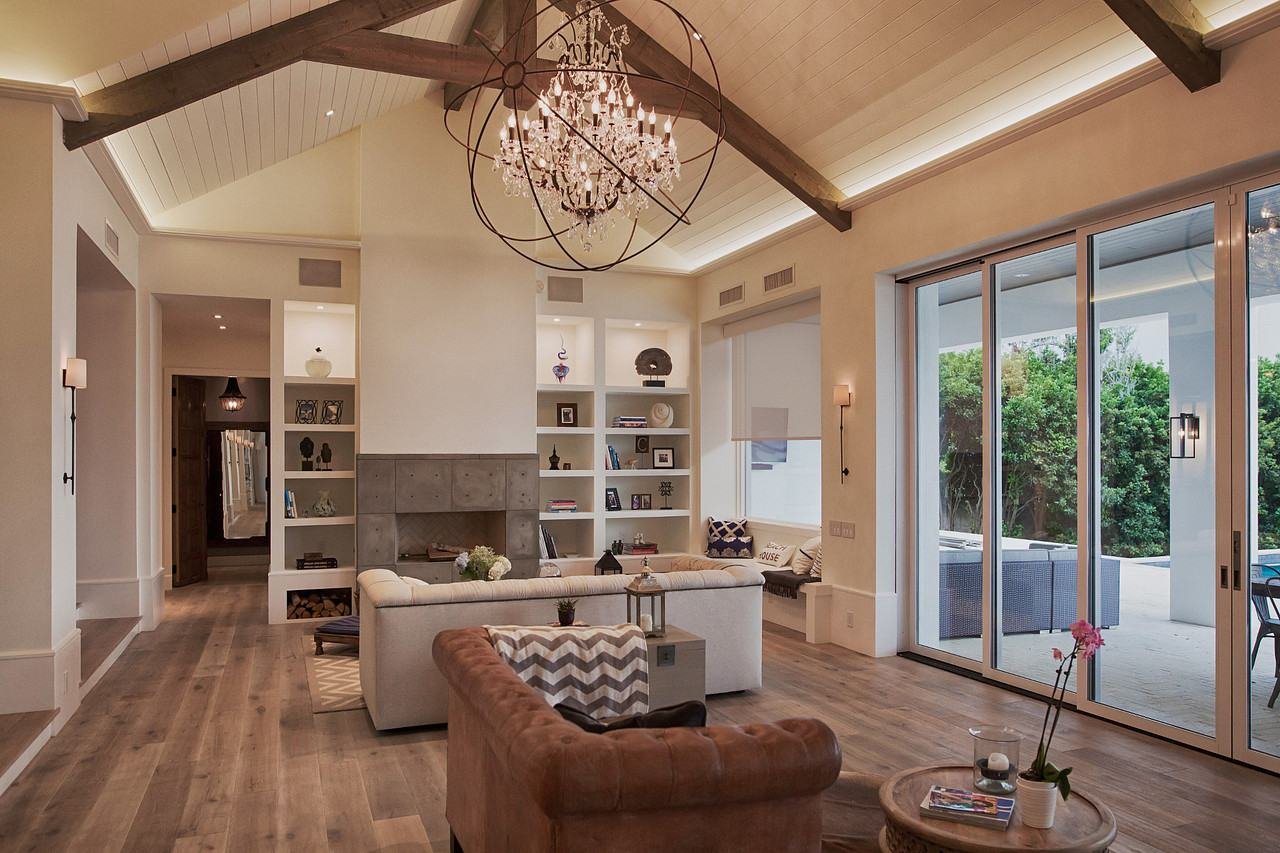
- Warmer in the evening, brighter by day. Tunable white lighting shifts from cool, bright daylight tones to warm, relaxed tones as the day goes on. Many people simply find it more comfortable to live with.
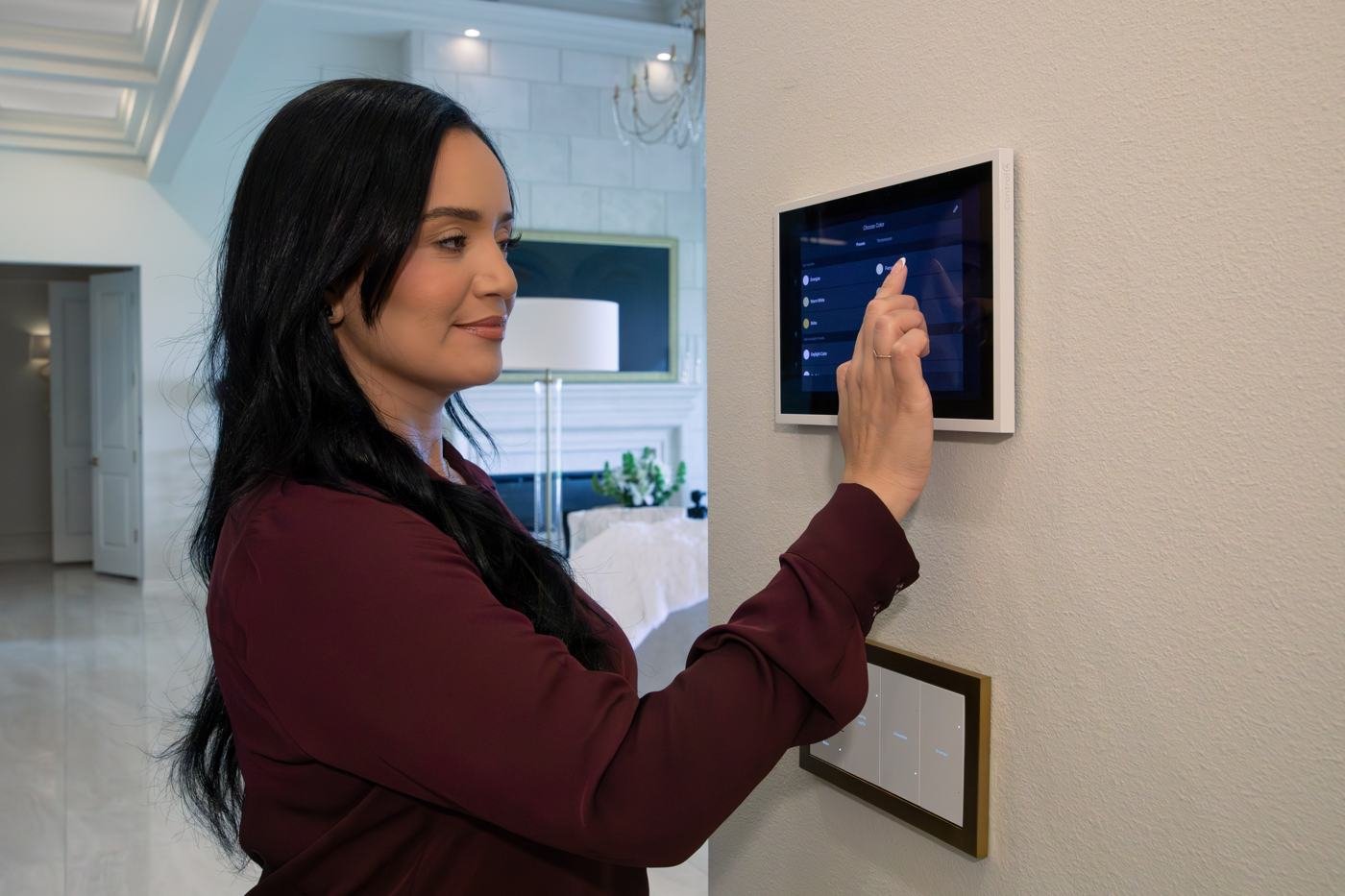
- Keypads that are easy to read. A well-planned keypad has engraved, clearly labeled buttons in the places you actually reach for them, and the engraving can be customized to your needs.
If you want the basics of how this works, our Lutron lighting guide explains what a whole-home system does.
Let your voice do the work
Voice control may be the single most helpful feature for staying independent. When your hands are full, your knees are sore, or reaching a switch is a chore, speaking is easier. "Turn on the kitchen lights." "Close the bedroom shades." "Set the temperature to 72."
A private voice system like Josh.ai can also run a whole routine from one sentence. Say "Goodnight," and the lights go down, the doors lock, and the thermostat settles for sleep. Say "Good morning," and the shades open and the lights warm up gently.
Shades without the strain
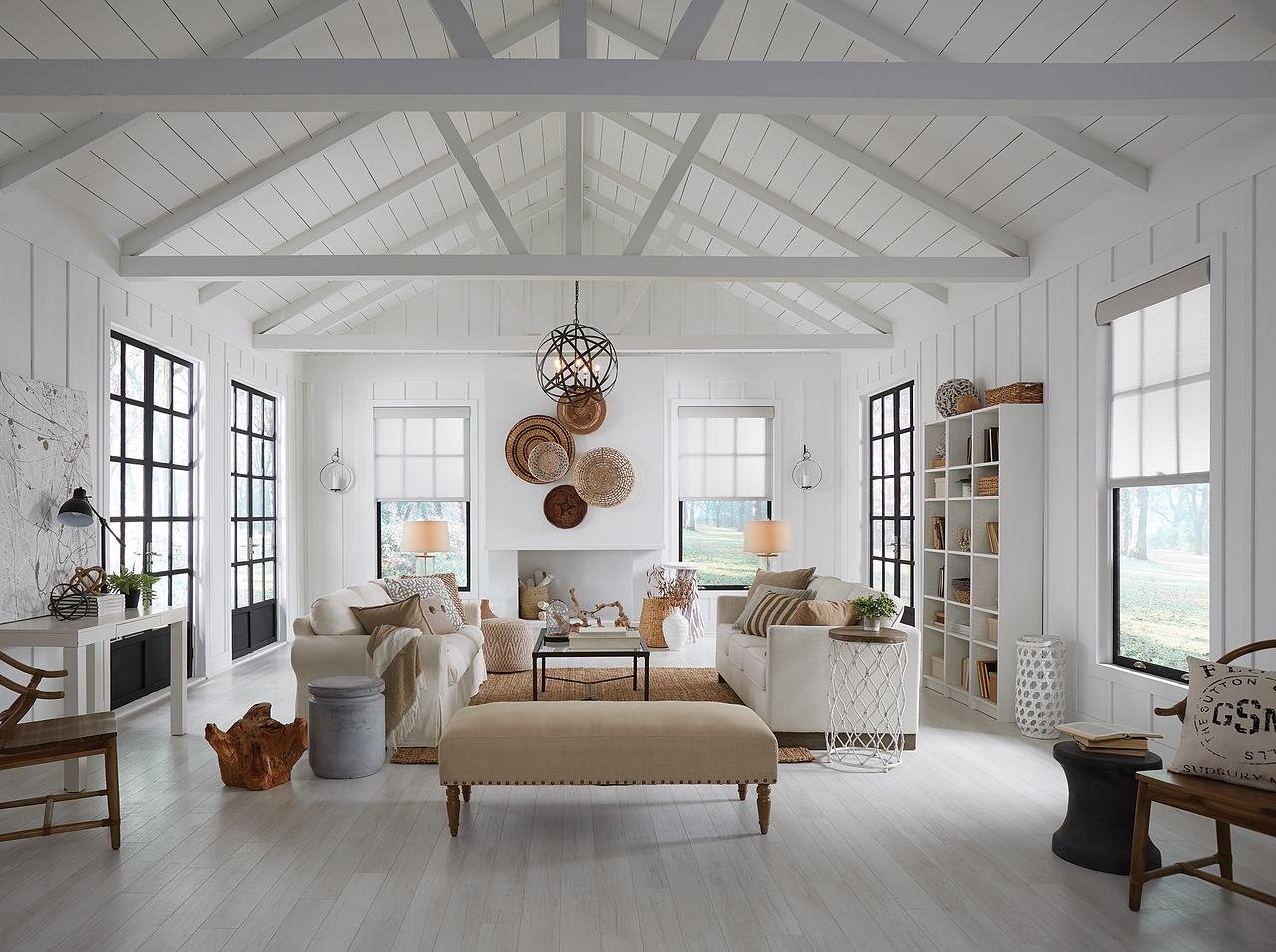
Large windows are wonderful until you have to wrestle with a heavy shade or a dangling cord. Motorized shades open and close from a keypad, an app, or your voice. They can follow a schedule, lowering against the afternoon sun and rising in the morning. There are no cords to tangle, and no stretching up to reach a window. See our guide to motorized shades and the Texas heat for more.
Doors, garage, and who is at the front
- Smart door locks mean no fumbling with keys, and you can give a family member, a housekeeper, or a caregiver their own code that you can change or remove at any time.
- A video doorbell lets you see and speak to whoever is at the door from your phone or a screen inside, without getting up.
- Garage door control lets you check whether it is closed, and close it, from wherever you are in the house.
Comfort that takes care of itself
Staying comfortable should not mean walking across the house to adjust the thermostat. When climate control is part of the same system as your lights and shades, it can be set by room, by schedule, or by scene, and changed by voice or keypad. Shades that lower against the afternoon sun also help your air conditioning.
Staying connected with family, on your terms
Some families like the idea of cameras at the entry or in common areas, so everyone can see what is going on. Privacy matters, and the homeowner should stay in control. We design this carefully and only with the clear agreement of the people who live there. Keep in mind that cameras are for awareness. They are not a substitute for care.
Keep it simple
The best aging-in-place technology feels almost invisible. A few principles go a long way:
- A few simple scenes. "Good morning," "Leaving," "Goodnight," and perhaps a "Relax" setting, each one touch or one sentence.
- The same controls everywhere. One keypad style, one app, one voice system, so there is nothing new to learn room by room.
- A reliable network. If the Wi-Fi is spotty, everything else will be too. A strong, properly designed network is the foundation.
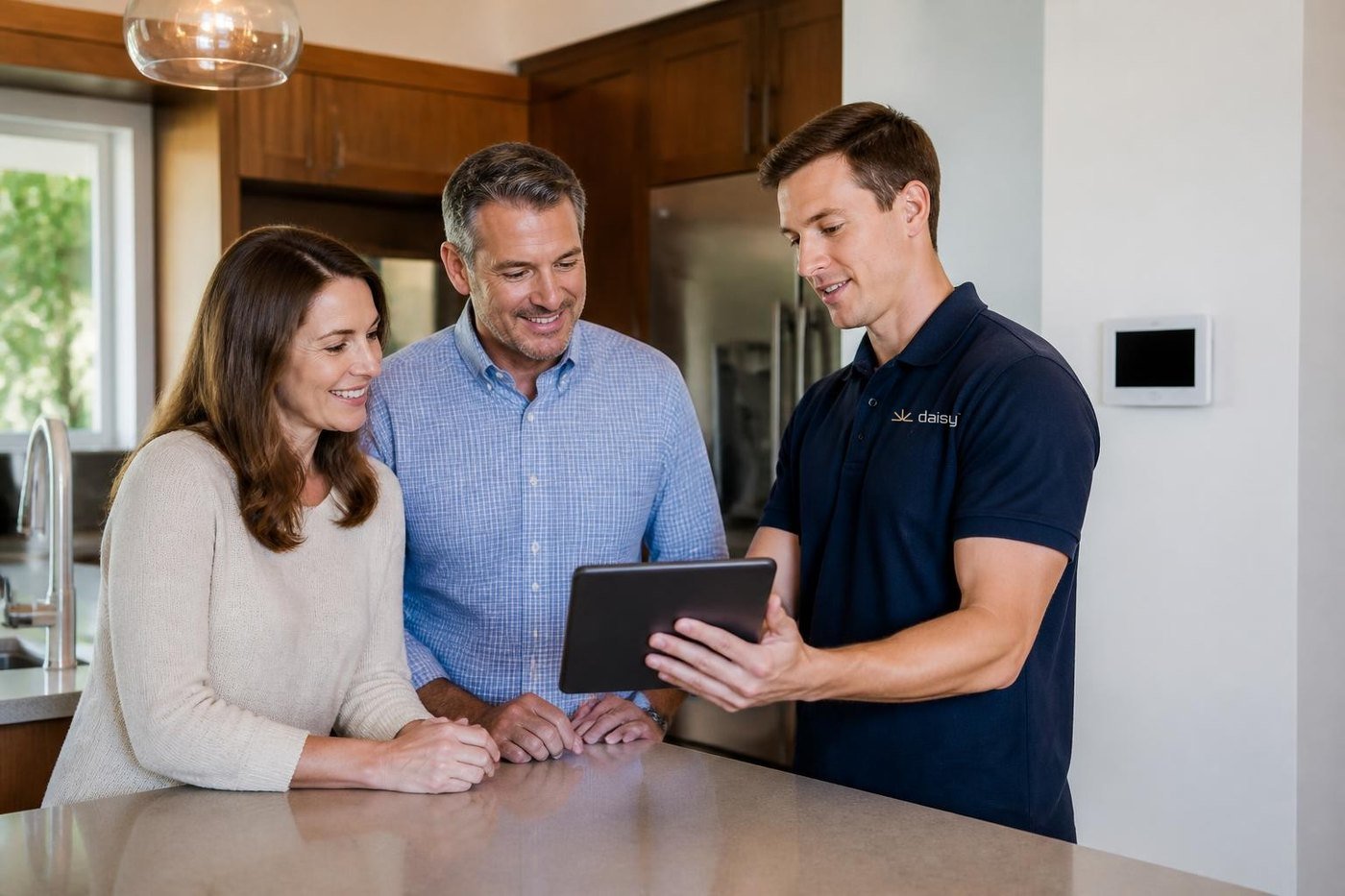
- Someone to call. Support matters more as technology becomes part of daily life, which is why DaisyCare includes remote help and regular check-ins.
Plan it in from the start
If you are building or remodeling, this is the easiest time to prepare. Pre-wiring for lighting control, shades, a strong network, and keypad locations costs far less before the walls close than after. Even if you do not need everything today, a home that is ready lets you add features later without tearing anything open. Our pre-wire checklist shows what to plan.
What technology does not replace
Smart home technology makes a house easier to live in, but it does not replace medical alert services, home modifications like grab bars, ramps, or wider doorways, or the people who care for us. We are not medical professionals. For safety modifications and health needs, we encourage you to talk with your doctor, an occupational therapist, or a certified aging-in-place specialist, and we are glad to work alongside them and your family.